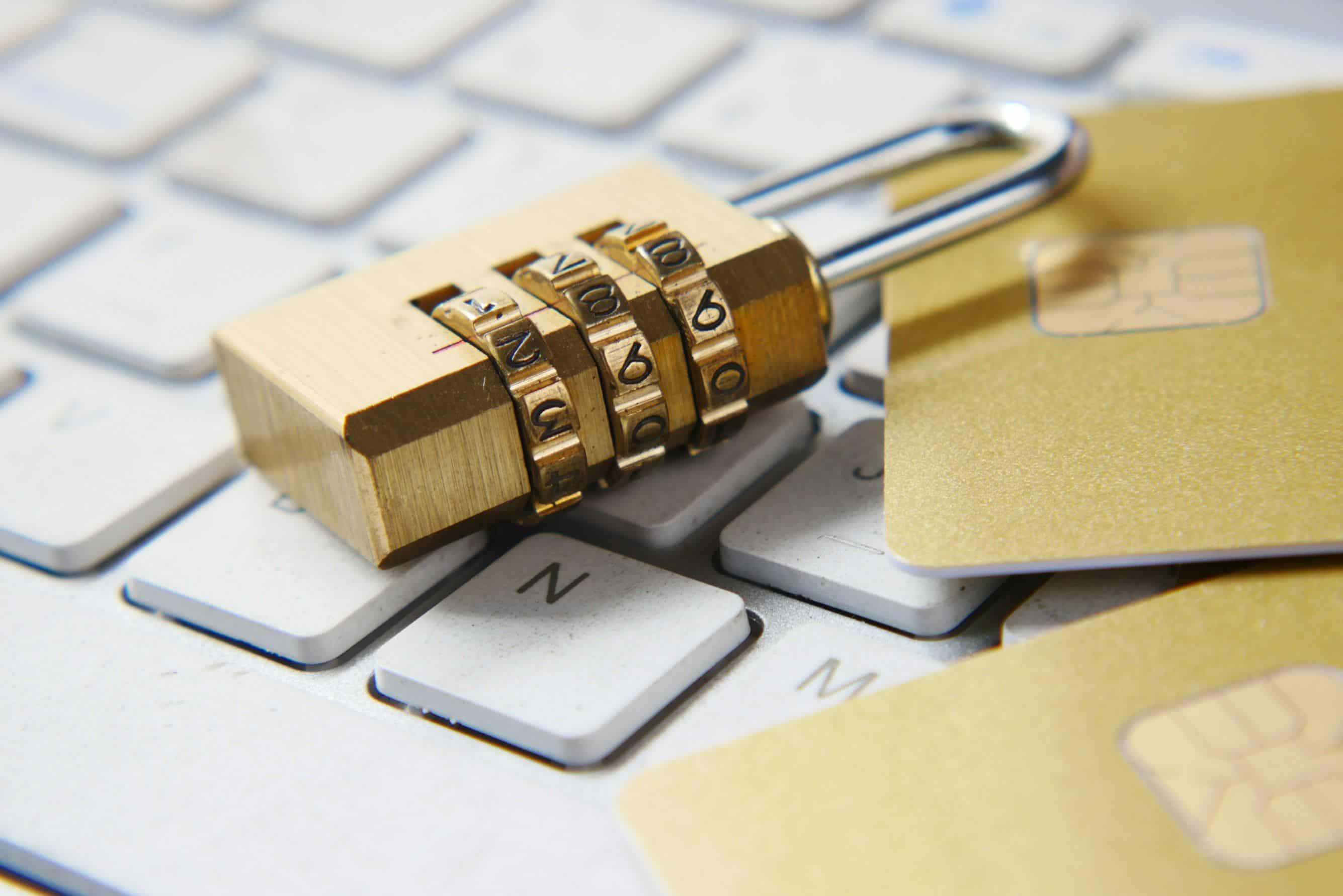
Photo by Towfiqu barbhuiya on Unsplash
Phishing is an attempt to trick you into handing over a password or card details yourself, or into opening an infected attachment. The attacker does not need a hole in your systems. They need one employee in a hurry. That is why small businesses are a frequent target: fewer filters, less training, and often the same person has access to the bank, the email and the invoices.
This guide has four parts: how to recognise phishing, how to train staff, which technical measures work even when attention slips, and what to do when someone clicks anyway.
How to recognise phishing
Most phishing emails have at least one of these traits:
- The sender is not in your contacts, but the name looks familiar: a bank, the post office, a courier, Microsoft, the tax office.
- The sender address does not match the name. The text names one company, but the domain after @ is another, or looks like the real one with one letter changed.
- You did not start the conversation. The email appeared on its own, often with "urgent" or a deadline of a few hours.
- Something is being asked of you: click a link, open an attachment, sign in to an account or enter card details.
- The language is off: English for no reason, or your language with mistakes and odd word order.
Examples we actually see: an "invoice attached" from an unknown domain, "your account will be closed, sign in here", a message from "the director" asking for an urgent payment or gift card purchase, and a notice about a "parcel" that needs a customs fee.
Mass phishing goes to thousands of addresses and is easier to spot. Targeted phishing (spear phishing) is written for one company or one person, uses real names of colleagues and real projects, and is harder to catch. The technical measures in part three help most against it.
The ten-second check
Before clicking any link in an email, four questions: who is the real sender (the whole domain after @), where does the link really go (hover over it), is the request unusual, and is there pressure to hurry. If you are not sure, do not use the link. Open the website yourself from the browser, or call the sender on a number you already have, not the number in the email.
Training staff
Training does not have to be expensive or long. Three things that work:
A short exercise every few months. Phish me if you can is a free inbox simulation: the user moves the emails they think are phishing to spam and gets a score and tips. Microsoft offers a free "Be Cyber Smart" kit with infographics, videos and templates for internal communication.
A clear rule for money and passwords. No payment, no change of a supplier's bank account and no gift card purchase happens on the basis of an email alone. Confirm by phone, on a known number, every time. The same applies to any request to enter a password through a link.
No punishment for reporting. An employee who says "I think I clicked" is worth more than one who stays quiet. If reporting is punished, you will learn about the next incident from the bank.
Technical measures that do not depend on attention
Training reduces the number of clicks, but not to zero. These measures work even when someone clicks.
1. Two-factor authentication (2FA) on everything. A stolen password without the second factor is worth little. Email first, because every other password is reset through email, then the bank, Microsoft 365 or Google Workspace accounts and the VPN. For our clients we enable 2FA through an app, SMS or a phone call, depending on what staff can use.
2. DNS filtering. When an email gets past the filter and an employee clicks, a DNS firewall blocks the known phishing domain before the page loads. It works for the whole network, with no installation on devices, and also covers phones on the office Wi-Fi. Details: DNS firewall.
3. SPF, DKIM and DMARC on your domain. These DNS records stop anyone from sending email in your name, to your clients and to your staff. Setup takes an hour and costs nothing. Most domains in Serbia do not have them.
4. Antivirus and EDR on computers. If an infected attachment is opened anyway, EDR notices the unusual behaviour and isolates the computer before the infection spreads to shared files. Details: Cybersecurity.
5. Updates and backup. Phishing is the most common entry point for ransomware. An updated system closes the holes an attachment tries to exploit, and a 3-2-1 backup with one copy not reachable from the network means that after an attack you restore data instead of paying a ransom. Details: Backup and recovery.
6. Safe browsing in the browser. Google Chrome has built-in protection against known phishing sites. Turn on the stronger level: Settings, Privacy and security, Security, then "Enhanced protection". Edge and Firefox have the same.
A firewall at the network edge and a separate guest Wi-Fi are good practice, but phishing is stopped by the measures above, not by hardware.
What to do when someone clicks
The first hour decides how much the incident costs.
- Do not delete the email. Tell your IT, the company that maintains your IT, or the person responsible for security. The email is evidence and shows what the attacker was after.
- If a password was entered: change it immediately, and everywhere else the same password is used. Sign out all active sessions on that account. Check whether forwarding rules were added to the mailbox; attackers often set them to keep reading the correspondence after the password is changed.
- If an attachment was opened: disconnect the computer from the network (cable or Wi-Fi), do not switch it off, and call IT. Do not try to "clean" the computer yourself.
- If money was paid: call the bank immediately. In the first few hours it is sometimes possible to stop the transfer.
- Report the email as phishing in Gmail or Outlook, so the provider blocks the sender for others too.
Conclusion
Phishing is not stopped by one tool. It is stopped by a combination: staff who know what to look for, 2FA that makes a stolen password useless, a DNS filter and EDR that catch the click, and a backup that makes ransomware not worth paying.
If you do not know which of these measures you already have, get in touch for a free assessment. We look at your email domain, accounts, protection on computers and backup, and tell you what is already fine and what to close first. Eoffice Network has done this for small and mid-sized businesses in Serbia since 2008.